
San Diego Surf Watch
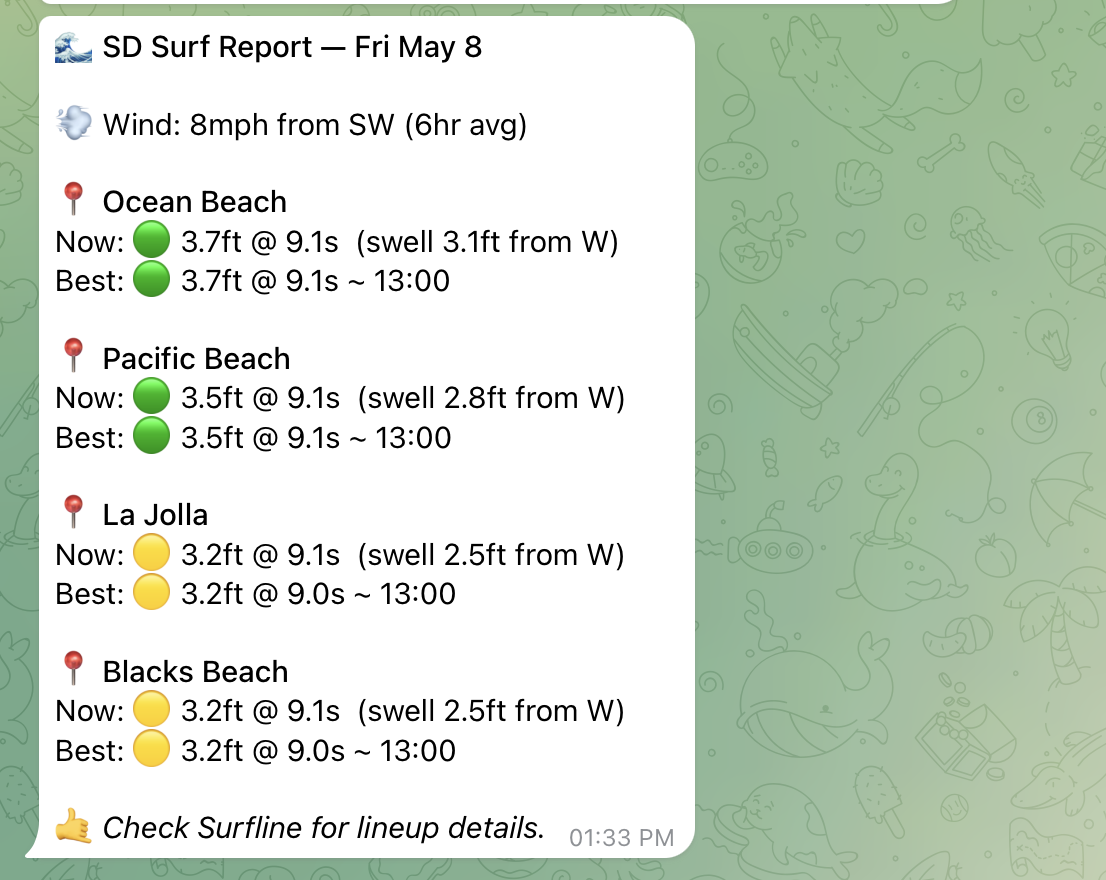
A surf conditions monitor for San Diego area beaches. Every 30 minutes, it checks wave height, period, wind, and swell direction across 9 beaches from Ocean Beach to Oceanside, evaluates whether conditions are worth paddling out, and saves an alert to memory when they are.
It covers:
- Wave height — filtered to 3 feet or larger
- Wave period — 8 seconds or longer for clean, organized swell
- Wind — offshore or light (under 10 mph); flags choppy onshore wind above 15 mph as poor
- Swell direction — NW, W, or SW (optimal for San Diego's south-facing beaches)
Good conditions trigger a SURF ALERT entry in long-term memory. Poor conditions log a one-liner to notes and move on.
Setup
1. Download Friday
- Go to hellofriday.ai and download the macOS installer
- Open the DMG and drag Friday to your Applications folder
- Launch Friday and complete the initial setup
2. Import the workspace
- Open Friday and go to Discover Spaces
- Find this workspace and click it
- Click Add Space
3. That's it
No credentials required. The workspace uses a web agent to check public surf forecast sites (Surfline, Magic Seaweed, and similar). No API key, no OAuth flow.
How it works
| Component | Role |
|---|---|
surf-checker |
Atlas web agent — searches Surfline, Magic Seaweed, and similar sites for current conditions at 9 San Diego area beaches |
surf-evaluator |
LLM agent (Claude Sonnet) — applies good/poor criteria, decides whether to alert, writes one memory entry |
surf-watch job |
Sequential two-agent execution: checker runs first, evaluator runs on its output |
surf-check-cron signal |
Schedule signal firing every 30 minutes (*/30 * * * *) |
The cron fires surf-watch, which runs surf-checker then surf-evaluator in sequence. The checker returns structured conditions for all beaches. The evaluator applies the criteria, picks the best beach if conditions qualify, and writes exactly one memory entry — a SURF ALERT to memory (long-term) if good, or a brief note to notes (short-term) if not.
