
Networking CRM
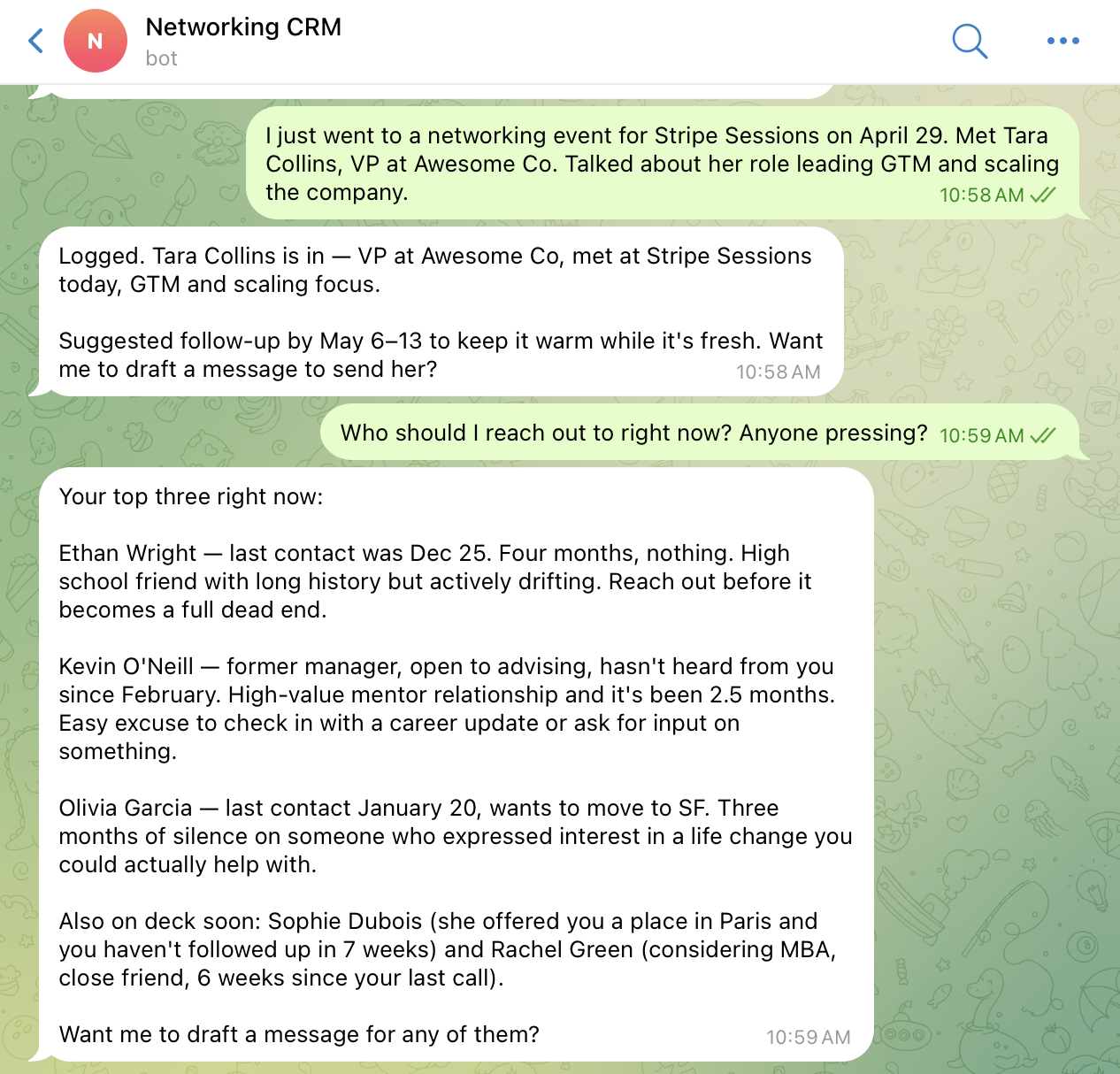
A relationship tracking workspace. Send it a message via Telegram to log an interaction, add context about a contact, ask what you know about someone, or find out who you should be following up with — and it keeps your network warm over time.
There's no form to fill in, no spreadsheet to maintain. Just message it the way you'd message a colleague:
- Log an interaction — "Had coffee with James today, he's exploring a new role, follow up in two weeks"
- Add context about a contact — "Sarah just moved to Head of Product at Stripe"
- Ask about a contact — "What do I know about Marcus?" or "When did I last talk to the Acme team?"
- Surface follow-ups — "Who should I be following up with this week?" or "Who have I been neglecting?"
The assistant stores everything in a narrative memory — contact name, company/role, date, what happened, commitments made, and next follow-up action. It reads that memory to answer questions and proactively suggests who's due for a touchpoint based on relationship context.
Setup
1. Download Friday
- Go to hellofriday.ai and download the macOS installer
- Open the DMG and drag Friday to your Applications folder
- Launch Friday and complete the initial setup
2. Import the workspace
- Open Friday and go to Discover Spaces
- Find this workspace and click it
- Click Add Space
3. Connect the Telegram communicator
- Go to Overview > Info > Communicators
- Find the Telegram communicator and connect it
Once connected, messages sent to the linked Telegram bot will trigger the CRM assistant automatically.
How it works
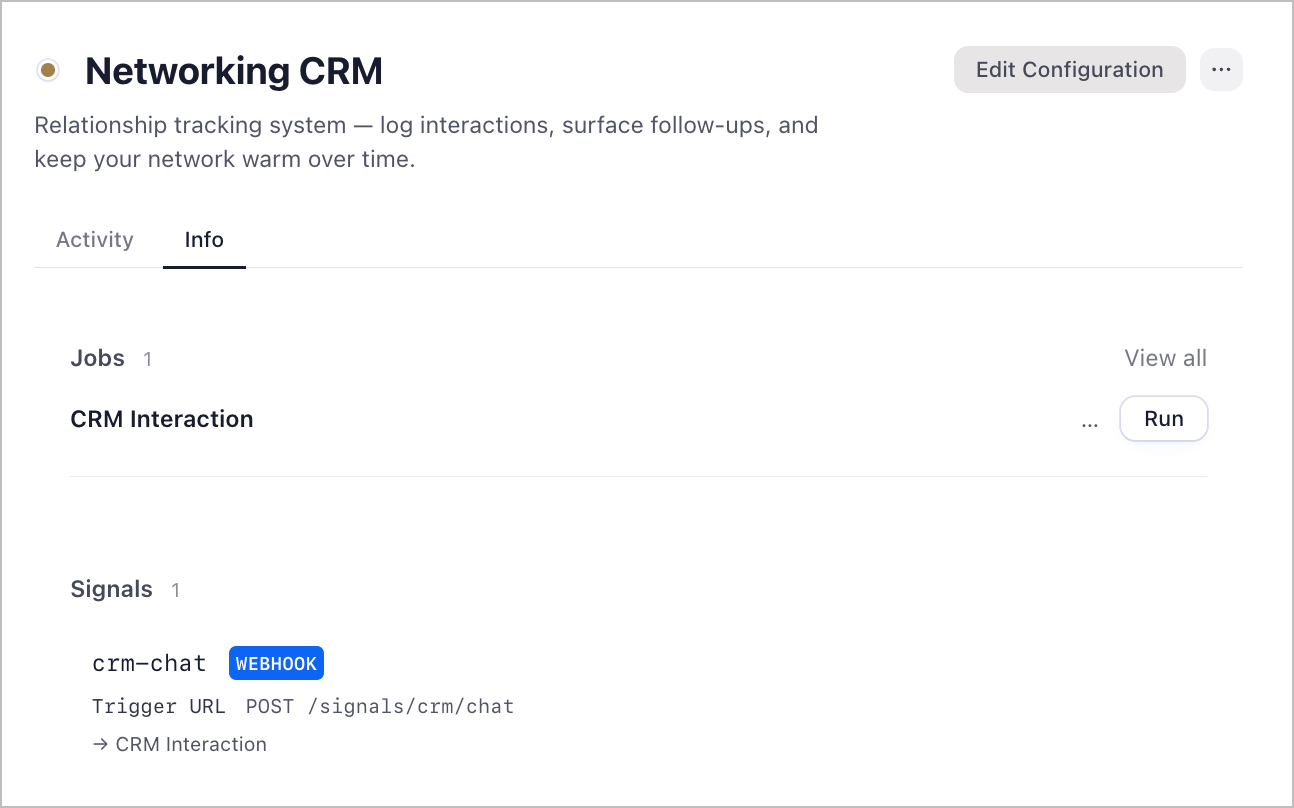
| Component | Role |
|---|---|
crm-assistant agent |
LLM agent (Claude Sonnet) that reads and writes relationship memory |
crm-interact job |
FSM job triggered by incoming Telegram messages |
notes memory |
Short-term narrative memory where interaction logs are stored |
memory memory |
Long-term memory distilled by the system workspace over time |
The Telegram communicator routes incoming messages into the crm-interact job. The job invokes the crm-assistant, which decides whether to save a new entry, answer a question, or surface follow-ups — then responds back to you in Telegram.
