
Google Sheets Query
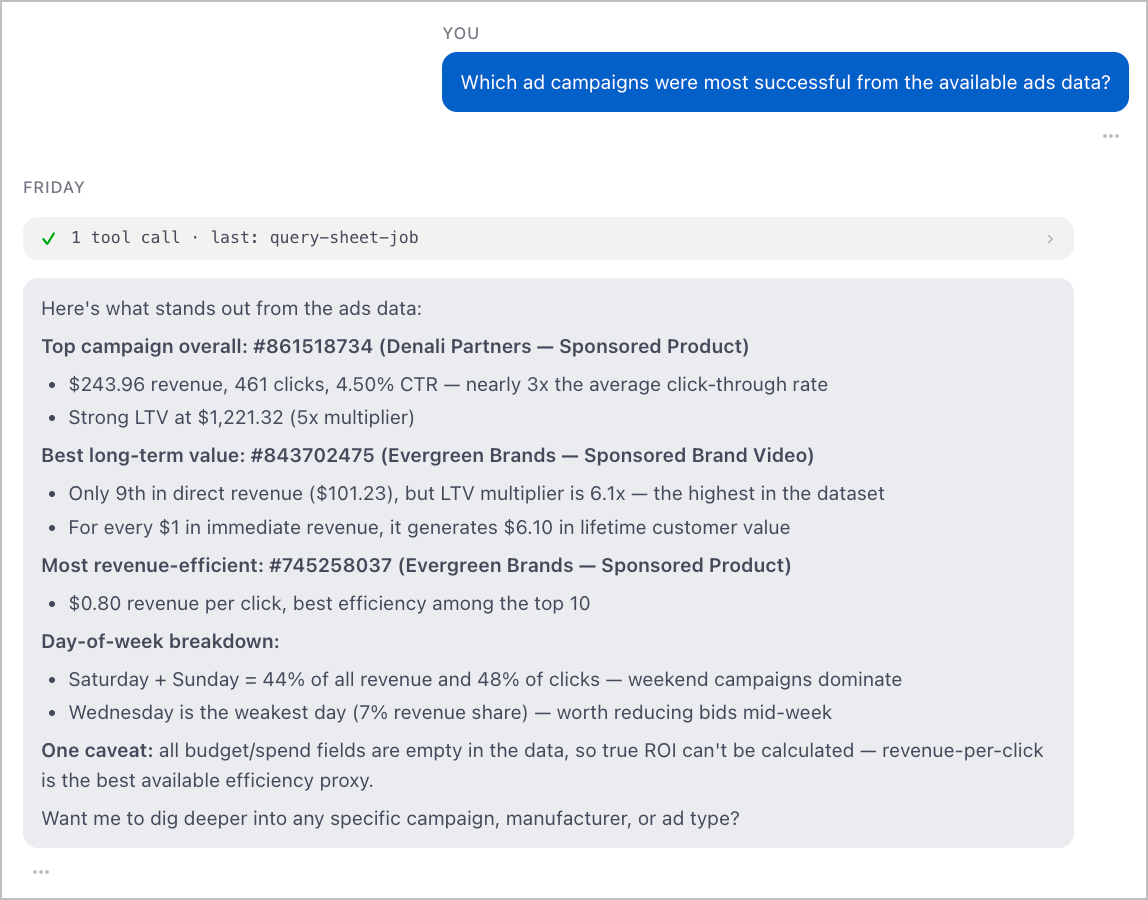
A natural language interface for your Google Sheets data. Ask questions in plain English and get direct answers — no formula bar to navigate, no pivot tables to build.
Point it at a sheet and ask anything:
- List spreadsheets — if you don't specify one, the agent surfaces what's available
- Explore structure — reads sheet names, ranges, and layout before answering so it understands what it's working with
- Read and answer — pulls the relevant data and responds directly, citing the spreadsheet name, sheet name, and range it used
- Remember context — saves key findings to memory so follow-up questions can reference what was already found
Setup
1. Download Friday
- Go to hellofriday.ai and download the macOS installer
- Open the DMG and drag Friday to your Applications folder
- Launch Friday and complete the initial setup
2. Import the workspace
- Open Friday and go to Discover Spaces
- Find this workspace and click it
- Click Add Space
3. Connect Google Sheets
- Go to MCP Catalog → Google Sheets
- Under Credentials, click Add one
- Follow the OAuth flow to grant access to your Google account
Once connected, the agent can immediately list and read any spreadsheet your Google account has access to.
How it works
| Component | Role |
|---|---|
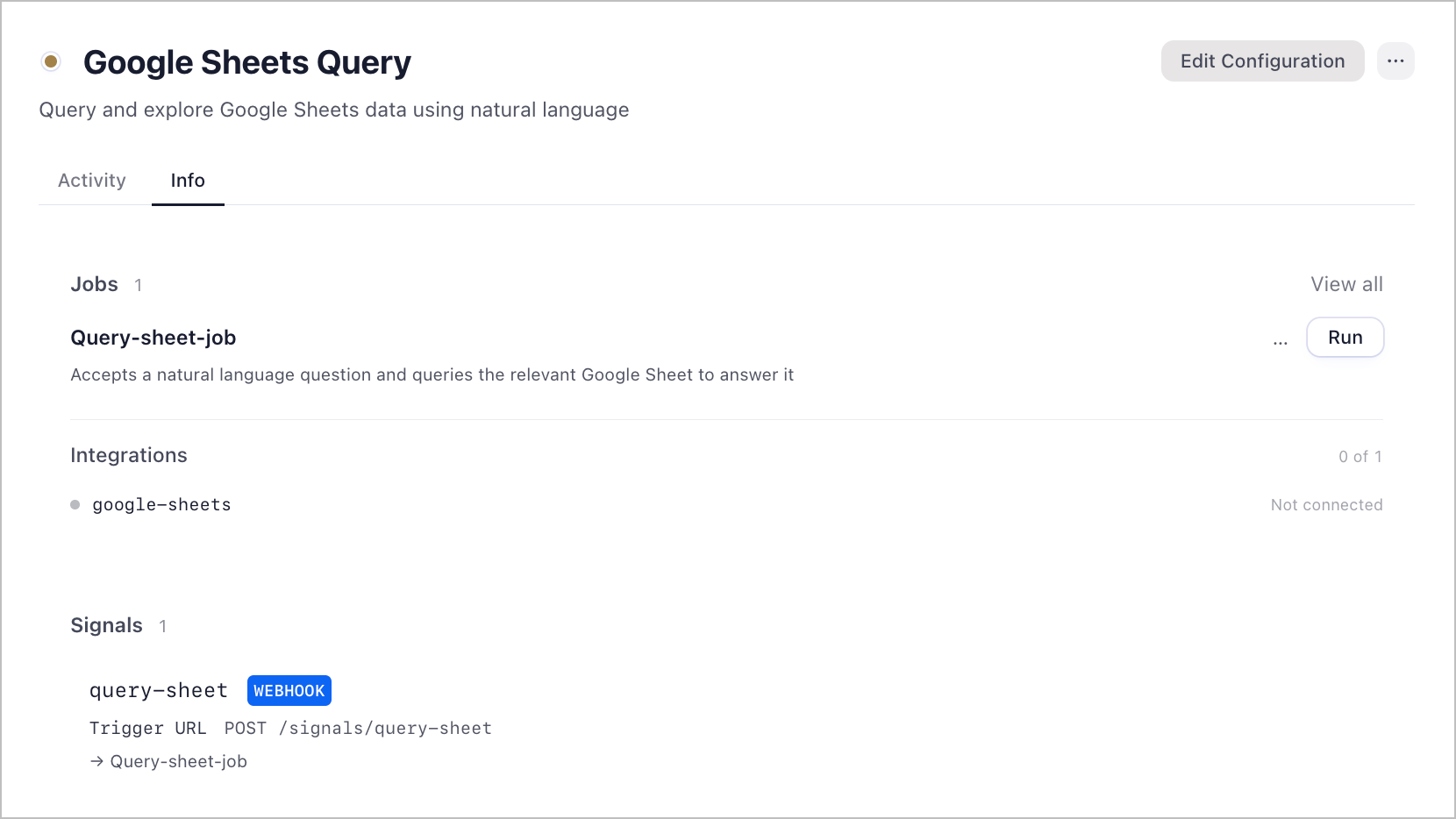
sheets-query-agent |
LLM agent (Claude Sonnet) that lists, explores, and reads spreadsheets, then answers the question |
query-sheet-job |
Two-state FSM: receive question → run agent → return answer |
query-sheet signal |
HTTP signal accepting question (required) and spreadsheet (optional) at /query-sheet |
google-sheets MCP server |
Provides list_spreadsheets, get_spreadsheet_info, read_sheet_values, and list_sheet_tables tools |
The query-sheet signal triggers query-sheet-job, which runs sheets-query-agent. The agent calls the Google Sheets MCP tools in sequence — list if needed, inspect structure, read data — then returns a direct answer with source attribution.
